





My Happy Pocket Pet
Nora, age 7
A kid-friendly space where they can use just their voice to make apps and games become reality.
I made these myself while testing, so the kids are made up, but the games are real.
try one out“A pet that gets happier when I play with it.”
Nora, age 7
“A magical storybook with secret doors.”

Ivy, age 5
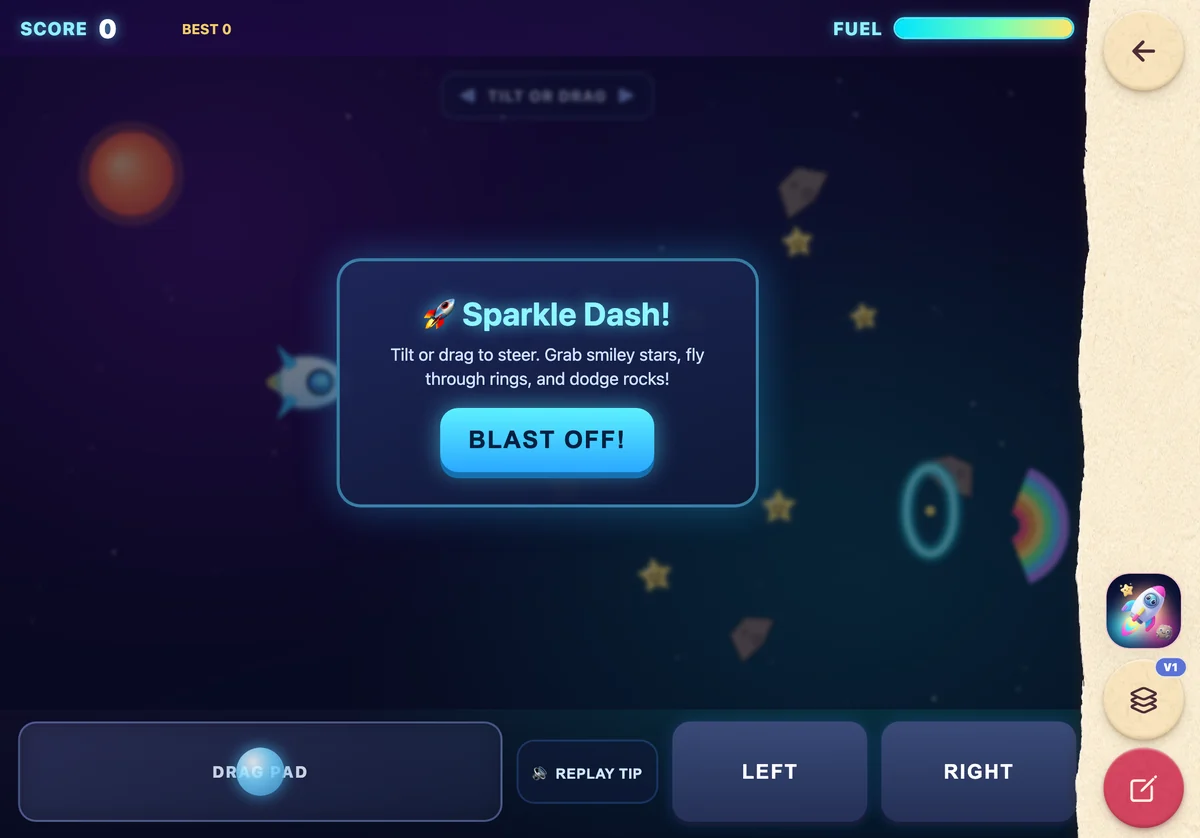
“A rocket race with rainbow fuel.”

Milo, age 6
“A panda that makes ridiculous juice.”

Theo, age 7
They bring the wild idea. We handle the complicated bits and give it back as something they can play.
Milo, age 6, might say
“A rocket race with rainbow fuel.”
Their voice is the starting point. They describe the game, story or toy they’re imagining.
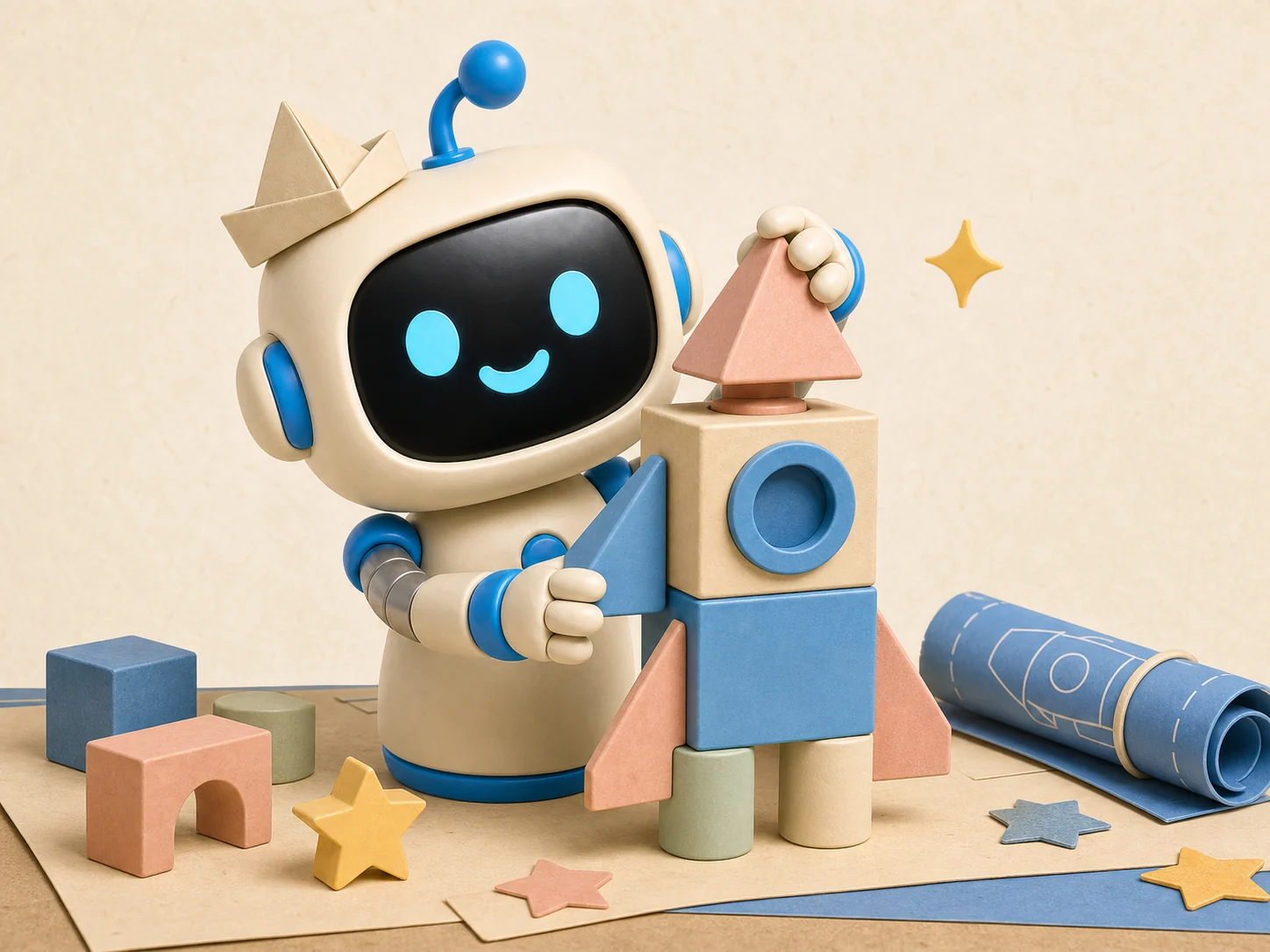
Let’s Build It turns their words into a playable project.
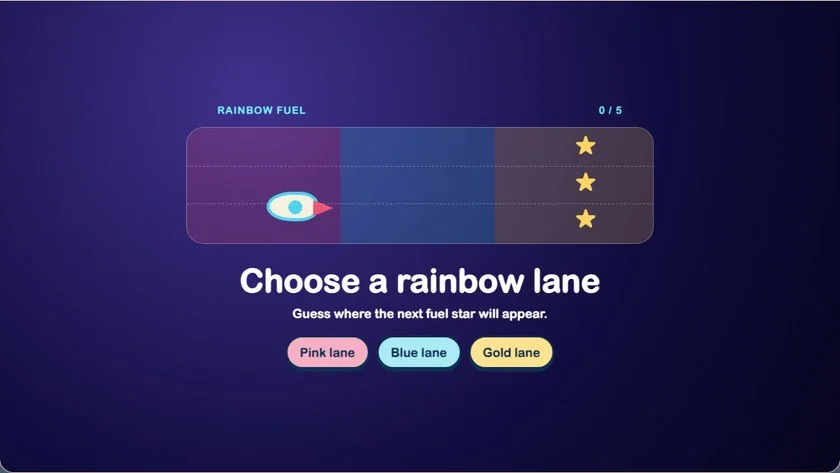
They play, then ask for changes out loud whenever inspiration strikes.
You choose the boundaries. Their projects are private by default, with no public profiles, no messaging and no ads.

Mike, who makes this
I wanted a way for my five-year-old son to make apps and games for himself. I couldn’t find anything out there, especially as he isn’t reading yet.
So I made Let’s Build It. He just talks to the assistant and his ideas turn into something he can play.
He loves it. And I love that it gets him using his brain a bit more during screen time.
Mike
Josh shows you the games he’s made, and I explain why I built it.
The practical bits, without making you hunt through fine print.
Real, playable mini-games, stories, quizzes and little toys. Every project starts with the idea they say out loud and lands on their project shelf ready to replay and remix.
Voice is used to understand their idea. We do not store raw microphone audio in our app, but speech and AI providers process it to provide the service. There are no ads or public profiles, and you can delete your family’s account and data at any time.
No. Kids can describe and change an idea out loud, so pre-readers can create without navigating complicated menus or typing prompts.
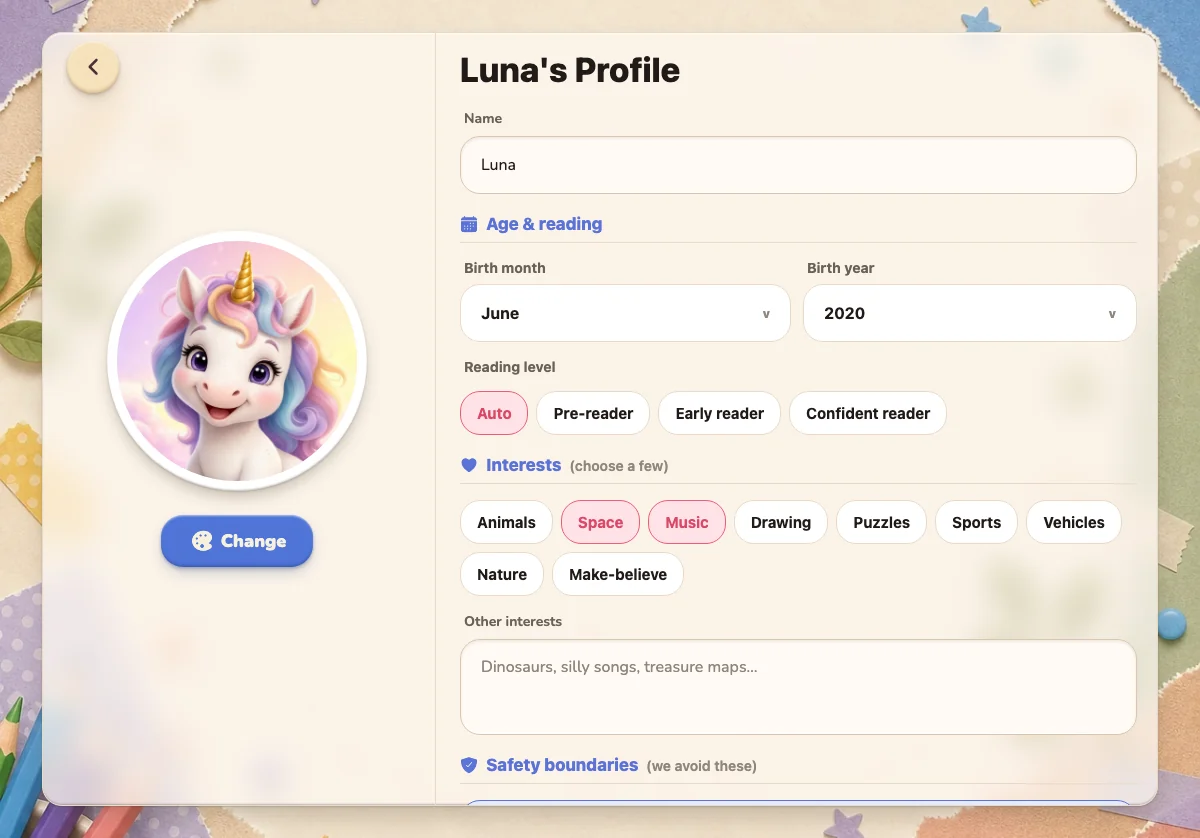
You choose interests, reading level and content boundaries during setup. Those guardrails shape every project they make.
Right now, projects stay behind your parent sign-in. They’re private by default, with no public profiles or messaging for kids.
Download Let’s Build It! on iPhone or iPad and start creating together.
Download on the App Store